Introduction
The Steam Deck brings the convenience of gaming on the go, but keeping it powered can sometimes be a challenge. Many users seek alternatives to the official charger, and using a phone charger is a common consideration. However, understanding the nuances of compatibility and safety is essential to avoid damage and ensure efficiency. This guide walks you through safely using your phone charger to keep your Steam Deck ready for action without compromising its battery life.
Understanding the Steam Deck’s Power Needs
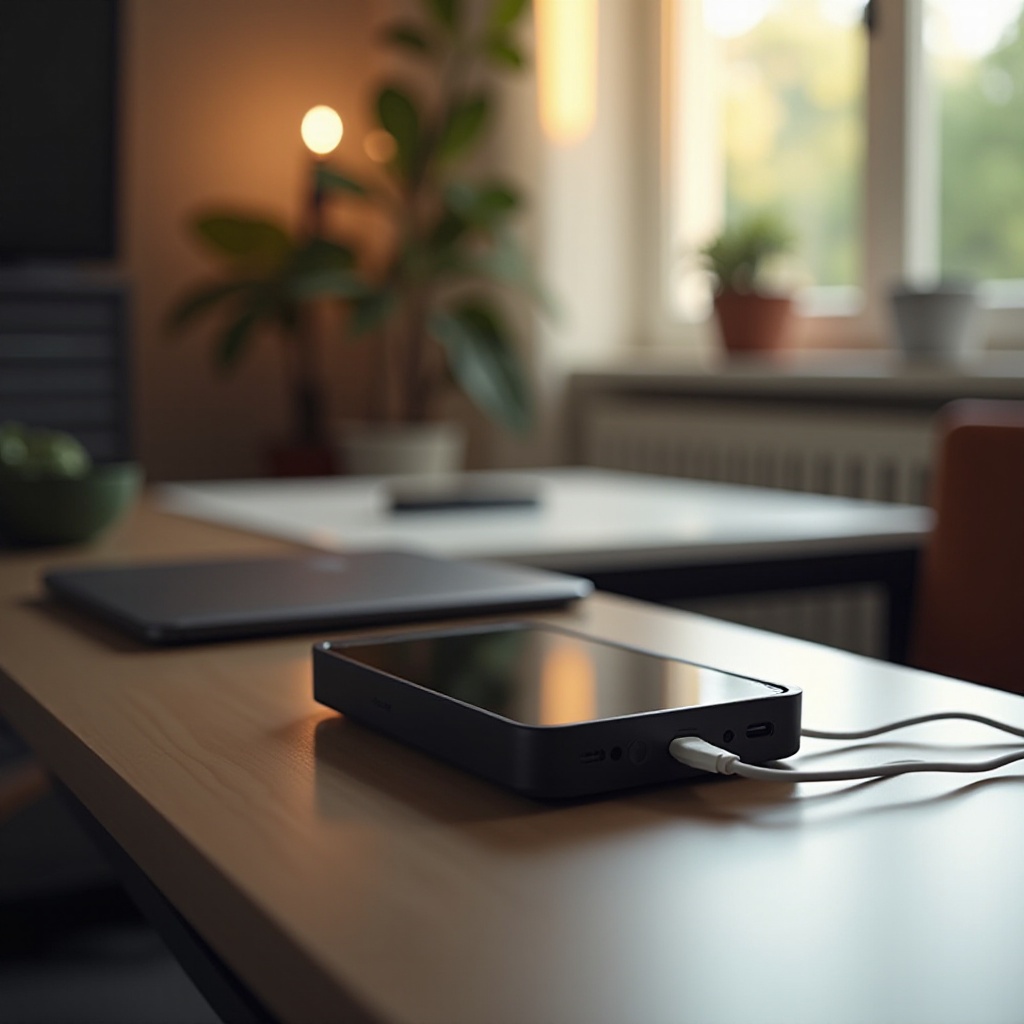
Before using any alternative charging methods, it’s important to understand the Steam Deck’s power specifications. The Steam Deck is designed with a high-capacity battery that supports extended gameplay. It requires a charger capable of delivering between 45W and 65W power through a USB-C connection. Voltage and amperage are critical factors; incorrect inputs can lead to suboptimal charging or potential damage. By grasping these technical aspects, you can better assess whether your phone charger meets the necessary criteria.
Compatibility of Phone Chargers with the Steam Deck
Now that you understand the Steam Deck’s power needs, the next step is exploring compatibility with phone chargers. Many modern phone chargers with USB-C and power delivery features are capable of charging a variety of devices, including the Steam Deck. However, not all phone chargers deliver sufficient power for quick, efficient charging. Ensuring your charger meets the necessary wattage and voltage is crucial for effective usage. When chosen correctly, these chargers offer a convenient backup when the official charger isn’t available, protecting the device’s integrity and performance.
Pros and Cons of Using a Phone Charger
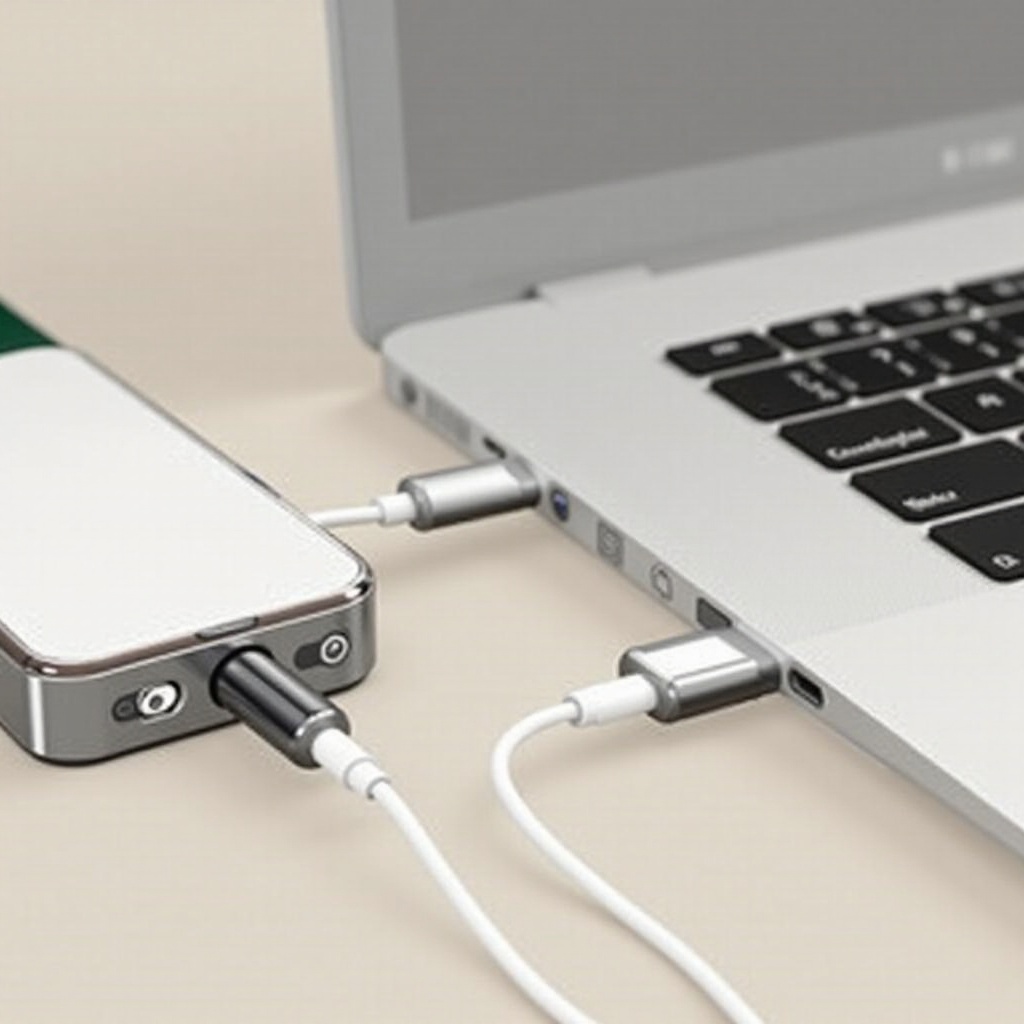
Using a phone charger for your Steam Deck offers significant benefits. Its portability makes it a convenient option, especially during travel or when space is tight. With many phone chargers already supporting USB-C, you might not need extra accessories. However, there are downsides as well. Phone chargers typically provide slower charging times than the official Steam Deck charger. Additionally, consistently using a charger without the required power output may reduce battery efficiency over time. Balancing these pros and cons helps you decide when it’s practical to use a phone charger and when it’s best to opt for alternatives.
A Step-by-Step Guide to Charging Your Steam Deck with a Phone Charger
For those ready to proceed, here is a detailed guide for effectively using a phone charger:
-
Select the Right Charger and Cable: Ensure your phone charger provides at least 45W from a USB-C outlet. Pair it with a high-quality USB-C cable rated for high power transfer.
-
Practice Safe Charging: Connect your Steam Deck to the charger with approved cables. Prioritize safety by checking for overheating and providing adequate ventilation for the device.
-
Monitor the Charging Process: Keep an eye on charging levels and device temperature. Avoid leaving the device unattended for long periods, ensuring safety throughout the charging process.
By adhering to these steps, you ensure the safe and efficient transfer of power from your phone charger to the Steam Deck.
Risks and Safety Measures
Charging gadgets always involves certain risks, especially with equipment that’s not originally designed for the task. Using a phone charger that isn’t fully compatible can cause overheating, inefficient charging, and battery wear. To mitigate these risks, always monitor your devices while charging and ensure all components used, from the charger to the cables, meet required standards. Implementing high-grade surge protectors can further safeguard your devices against unexpected power surges, extending the lifespan of your Steam Deck.
Alternatives to Phone Chargers
If a phone charger doesn’t meet your needs, consider power banks with high efficiency as viable options. These devices offer the flexibility of charging on the go, provided they have the necessary power delivery features. Third-party chargers designed for high-capacity devices and verified to meet Steam Deck specifications are also worthy investments. These alternatives provide efficient charging times comparable to the original charger, ensuring you have reliable options at your disposal.
Conclusion
In conclusion, understanding the potential and constraints of using a phone charger to power your Steam Deck allows for informed and wise decisions. While not ideal for all scenarios, phone chargers can serve effectively, provided they meet essential criteria. By following safety guidelines and best practices, you can ensure your device stays charged and ready, maintaining its performance and longevity.
Frequently Asked Questions
Can any phone charger be used to charge the Steam Deck?
No, ensure your phone charger supports USB-C and offers at least 45W power output for compatibility.
How long does it take to charge the Steam Deck with a typical phone charger?
Generally, it takes longer than the original charger, possibly doubling the time, depending on the output.
Will using a phone charger affect my Steam Deck’s battery life?
Using a high-quality, compatible charger should not harm the battery, but insufficient power may degrade it over time.