Effortless audio connectivity can elevate your listening experience, transforming any space into a concert venue. Pairing Bose speakers together enhances your sonic environment, providing richer, fuller sound. This comprehensive guide walks you through every aspect of pairing Bose speakers, ensuring you make the most of your audio setup.
Introduction
Wireless speakers offer the convenience of enjoying music without the clutter of cables, and Bose speakers stand out for their superior audio quality, elegant design, and user-friendly interface. Pairing them together allows for stereo sound and enhanced audio coverage, ensuring that every corner of your space is filled with crystal-clear sound. Whether used at home or outdoors, knowing how to seamlessly pair these speakers opens up a world of audio possibilities.
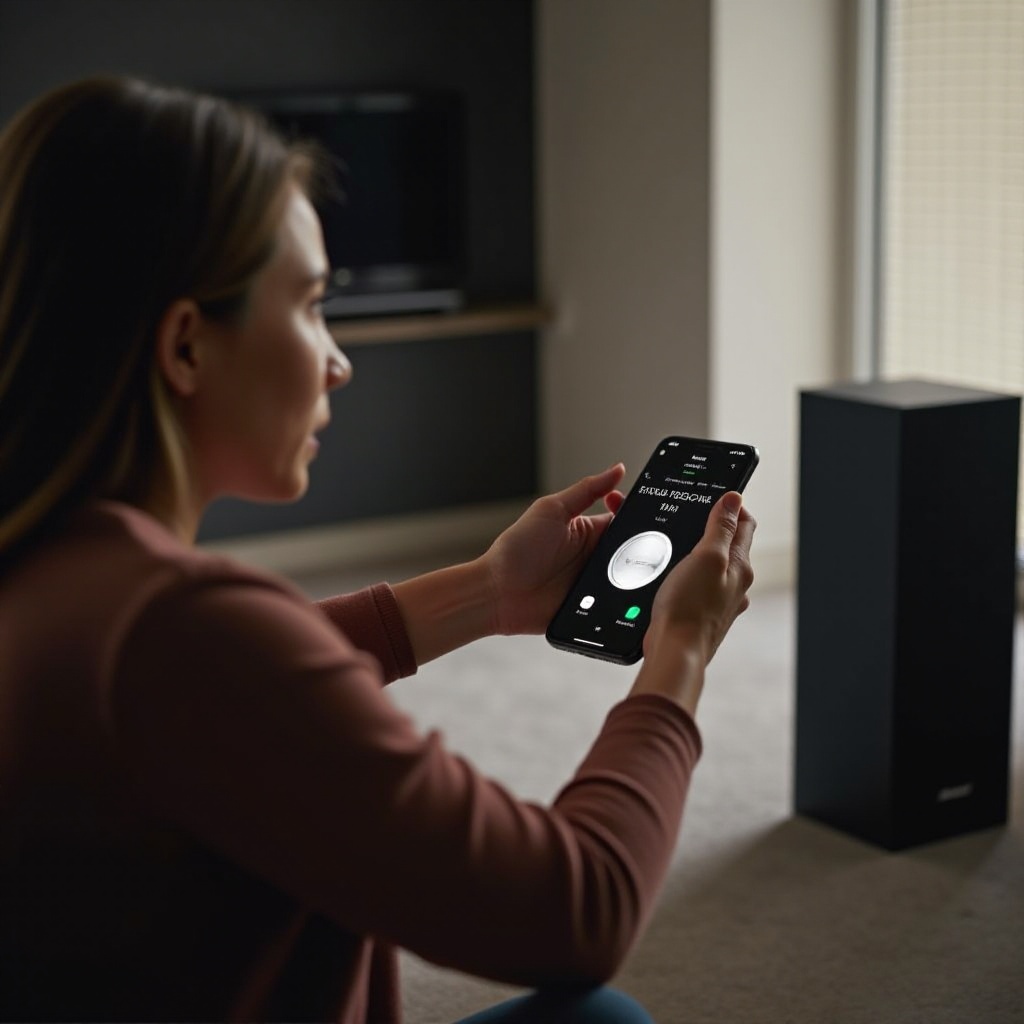
Understanding Bose Speaker Models
The first step to effectively pairing Bose speakers is understanding the model you own. Bose offers a range of speaker models, each with unique features and pairing capabilities. Knowing the specifics of your model can streamline the pairing process and enhance your listening experience.
- Compatibility with Different Devices: Most contemporary Bose models connect to various devices, whether smartphones, tablets, or computers, via Bluetooth.
- Model-Specific Pairing Capabilities: Each model might have specific pairing capabilities, such as supporting Party Mode or Stereo Mode for multi-speaker setups.
Understanding these aspects ensures a smooth setup and excellent sound performance, leading naturally to the next practical step – pairing the speakers.
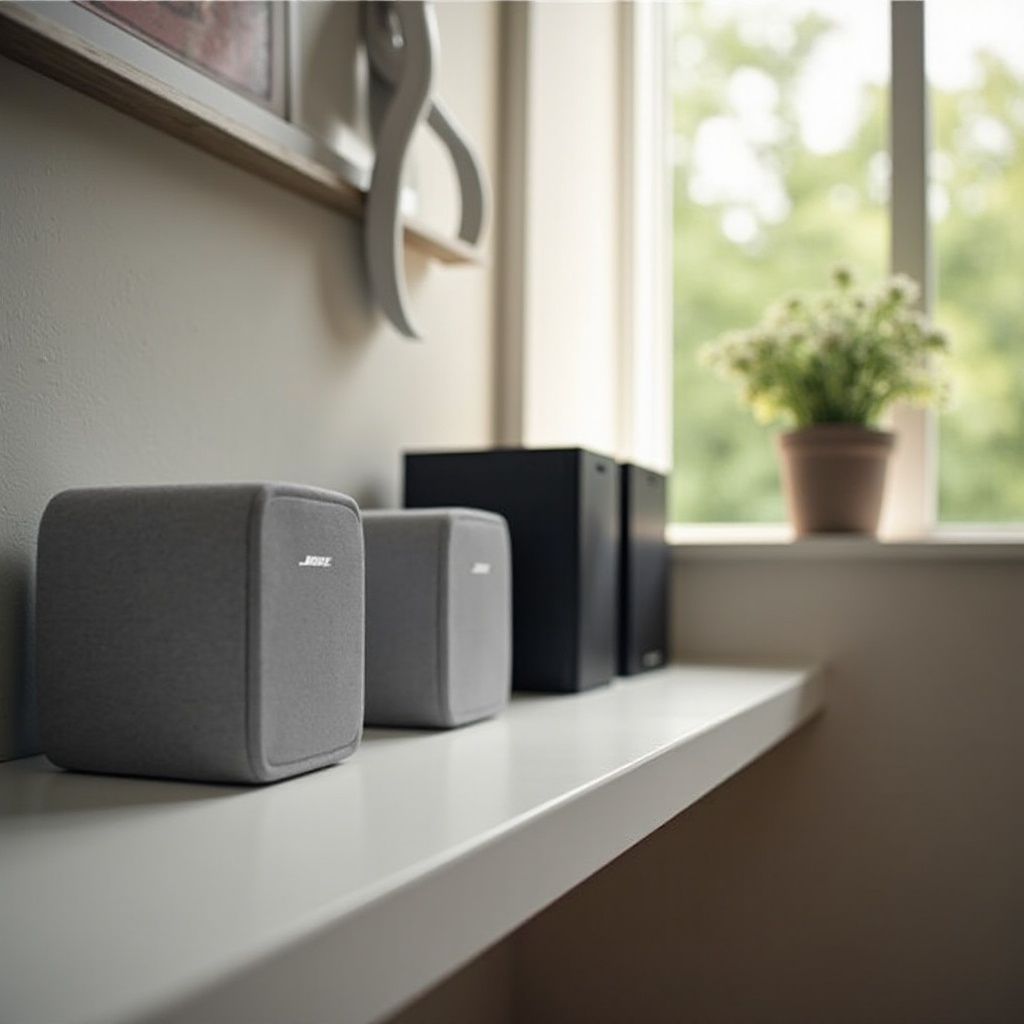
Step-by-Step Guide to Pairing Bose Speakers
Successfully pairing your Bose speakers can seem daunting, but following these clear steps can make the process seamless:
- Bluetooth Pairing Basics:
- Turn on your Bose speaker and ensure it’s in pairing mode. This is often indicated by a blinking blue light.
- On your device, go to Bluetooth settings and find your Bose speaker in the list of available devices.
-
Select the speaker to connect. Once paired, the Bluetooth indicator will stay solid.
-
Using the Bose Connect App:
- Download and open the Bose Connect App on your device.
- Ensure your Bluetooth is activated and follow the in-app instructions to select your speaker model.
-
The app allows adjustments to settings and features, like grouping multiple speakers and adjusting equalizers.
-
Pairing Without the App:
- Turn on both speakers ensuring they are in Bluetooth pairing mode.
- Connect to one speaker, hold the Bluetooth button until you hear a tone.
- Repeat on the second speaker for stereo pairing.
With your speakers paired, you might still encounter issues, often resolved with some simple troubleshooting steps.
Troubleshooting Common Pairing Issues
Despite Bose speakers’ user-friendly design, you might face occasional connectivity issues. Here’s how to troubleshoot:
- Connectivity Problems and Solutions:
- Ensure devices are within the recommended Bluetooth range, usually around 30 feet.
-
Check for obstacles or electronic interference from other devices disrupting the signal.
-
Resolving App-Related Issues:
- If the Bose Connect App does not recognize your speaker, restarting your device or reinstalling the app can help.
- Keep your app and device firmware updated for compatibility and performance.
Overcoming these challenges ensures a seamless setup, allowing you to maximize your audio experience fully.
Maximizing Your Audio Experience
Optimizing sound quality involves strategic speaker placement, modes, and using the right accessories.
- Optimizing Placement for Stereo Sound:
-
Position speakers strategically for balanced sound distribution, ideally at ear level in open spaces.
-
Harnessing Party and Stereo Modes:
- Use Party Mode to connect multiple speakers, boosting sound for larger areas.
-
Stereo Mode separates audio channels, creating a more immersive experience.
-
Accessory Recommendations for Enhanced Sound:
- Consider stands or mounts for better acoustics.
- Use protective cases for outdoor sessions against weather effects.
A well-optimized setup prepares you for exploring advanced pairing techniques, enhancing your Bose speakers’ functionality.
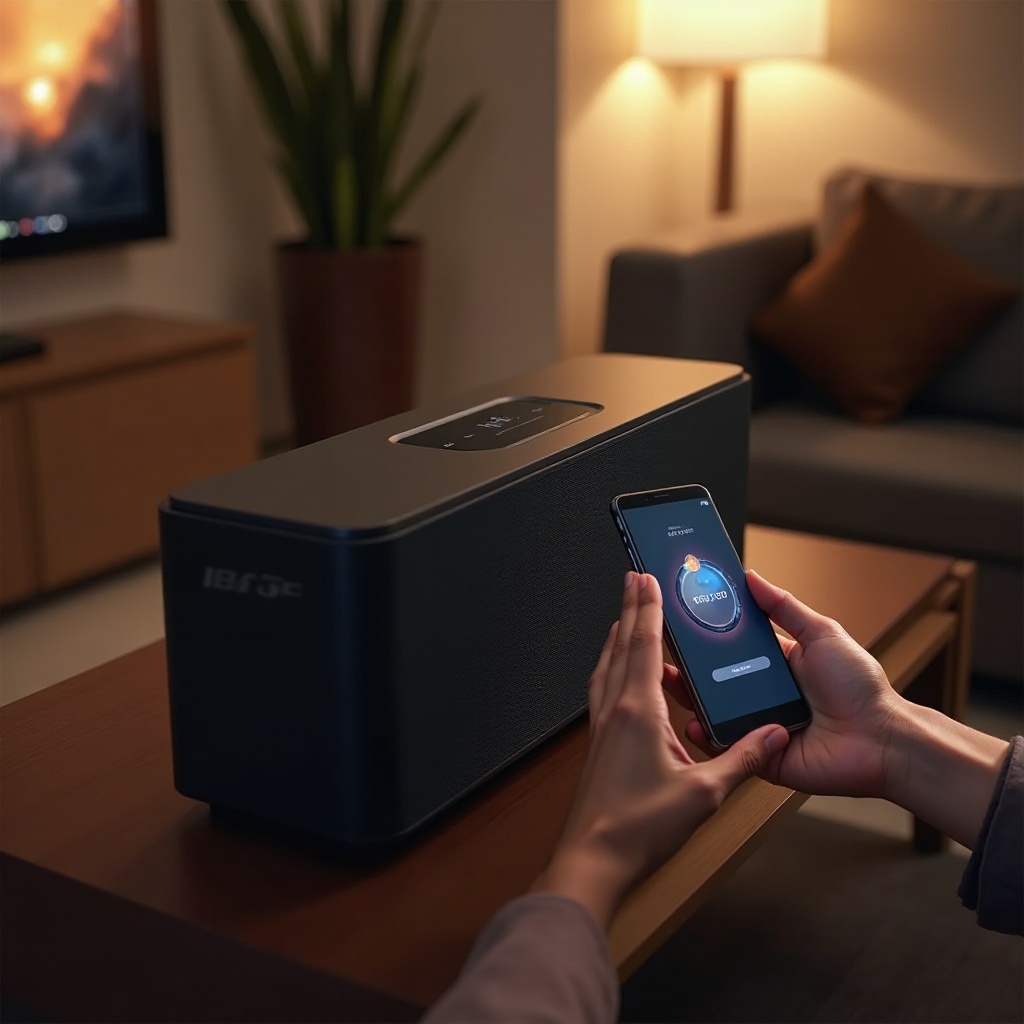
Advanced Pairing Techniques
For those interested in more intricate setups, exploring advanced methods can be rewarding:
- Multi-Speaker Setup:
-
Utilize multiple speaker configurations to create an expansive audio landscape, useful in larger venues or outdoor settings.
-
Customizing Audio Settings:
- Use the app’s equalizer to customize bass, treble, and balance, tailoring the audio output to your preferences.
These advanced techniques unlock new potentials in your audio environment, offering a dynamic auditory journey.
Conclusion
Pairing Bose speakers can significantly upgrade your listening experience. By understanding your model, following the pairing steps, and troubleshooting, you ensure a seamless setup. A world of sound is at your fingertips, encouraging experimentation and enjoyment of rich, high-quality audio.
Frequently Asked Questions
Can I pair Bose speakers with non-Bose devices?
Yes, as long as the device supports Bluetooth connectivity, Bose speakers can connect to non-Bose devices.
What should I do if my speakers won’t pair?
Ensure Bluetooth is enabled on both devices, keep devices in range, restart your speaker and device, or contact Bose support if issues persist.
How do I update my Bose speaker firmware?
Connect your speaker to the Bose Connect App, follow the app’s prompts to check for updates, ensuring your speaker is always up-to-date.