Introduction
Edifier earbuds stand out in the world of audio technology, offering impressive sound quality and advanced features. Connecting these earbuds to Bluetooth devices is key to unlocking their full potential. This guide will walk you through the pairing process, provide troubleshooting tips, and offer optimization advice. Let’s begin by exploring the essence of Bluetooth technology.
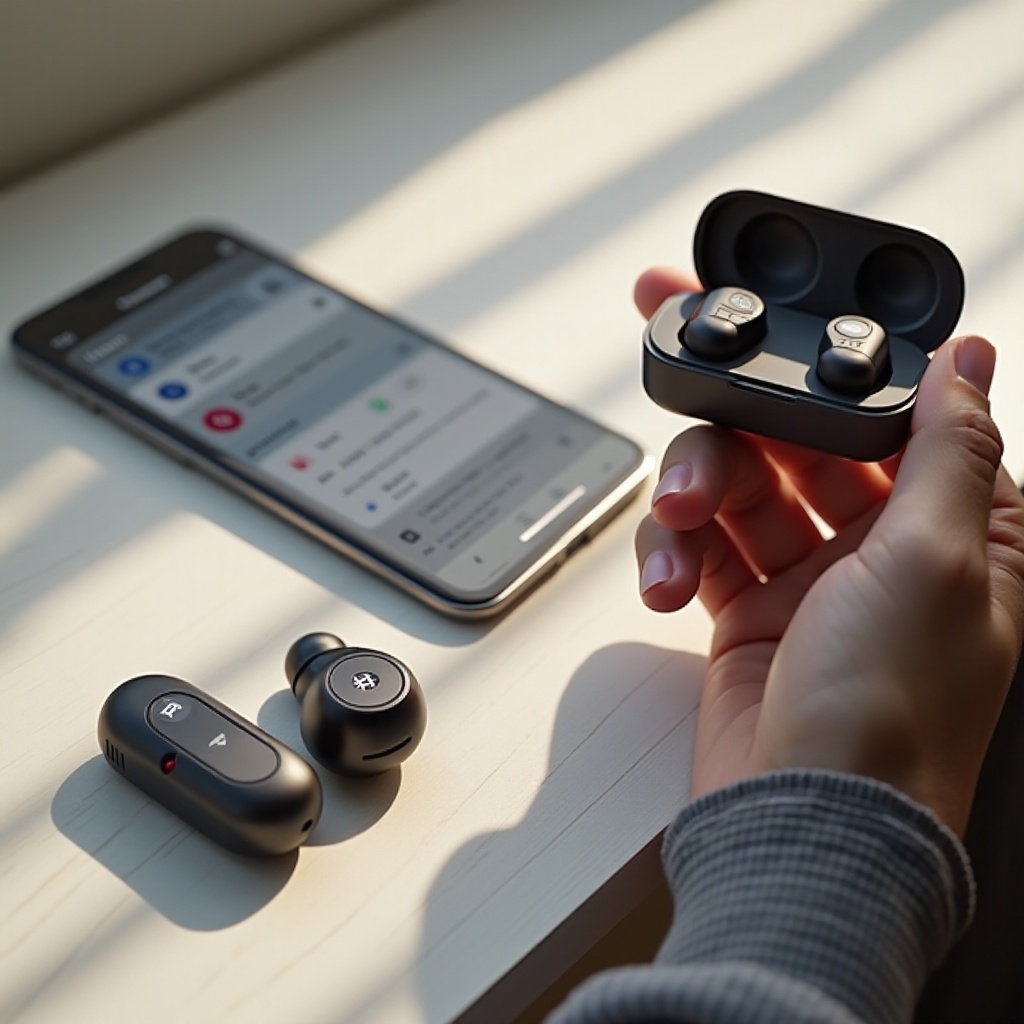
Understanding Bluetooth Technology
Bluetooth technology powers the wireless connection between your Edifier earbuds and other devices, enabling freedom from tangled cords. Understanding Bluetooth’s role and functionality is crucial. Most modern devices easily connect with Edifier earbuds, thanks to Bluetooth’s standardized profiles such as A2DP for audio streaming and HFP for hands-free communication.
With Bluetooth fundamentals covered, the next step is ensuring your earbuds are ready to pair.
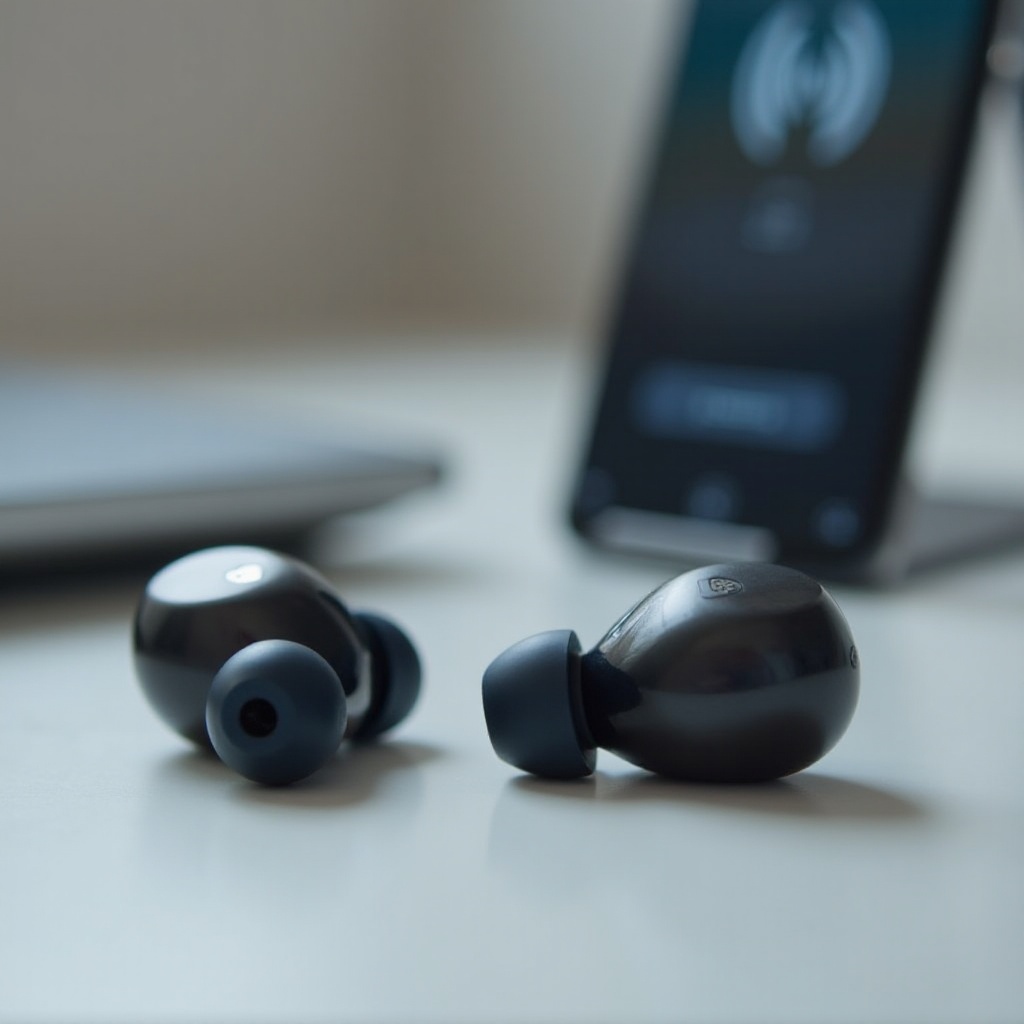
Preparing Your Edifier Earbuds for Pairing
Getting your Edifier earbuds ready involves a few preparatory steps:
- Unboxing and Initial Setup:
- Carefully unpack your earbuds. Make sure they are free from any visible damage.
-
Examine all included components, like charging cables and ear tips.
-
Charging the Earbuds:
- Fully charge your earbuds before use. Connect them to the provided cable and case.
-
A complete charge is necessary for stable connection and enhanced performance.
-
Activating Pairing Mode:
- Refer to your model-specific manual. Typically, holding a button on the earbuds activates pairing mode, indicated by a blinking light.
Once your earbuds are set, let’s explore the detailed process of pairing them with different devices.
Step-by-Step Guide to Pairing Edifier Earbuds
Pairing with Android Devices
- Navigate to Settings: Go to ‘Settings’ on your Android device.
- Turn on Bluetooth: Switch on the Bluetooth feature.
- Device Discovery: Your device will search for available Bluetooth gadgets.
- Select the Earbuds: Tap on your Edifier earbuds from the available device list.
- Finalize Connection: Follow any prompts to secure the connection.
Pairing with iOS Devices
- Access Settings: Open ‘Settings’ on your iPhone or iPad.
- Enable Bluetooth: Activate Bluetooth.
- Recognize Devices: Allow the device to list nearby Bluetooth options.
- Choose Your Earbuds: Select the Edifier model from the list.
- Complete Pairing: Confirm the connection to finalize.
Pairing with Windows and macOS
- Open Settings Window: Use ‘Settings’ (Windows) or ‘System Preferences’ (macOS).
- Bluetooth Setup: Access ‘Bluetooth & devices’ or ‘Bluetooth’.
- Activate Bluetooth: Ensure the Bluetooth function is on.
- Initiate Device Scan: Choose ‘Add device’ on Windows or wait for macOS detection.
- Confirm Pairing: Select the earbuds to pair.
Having secured the connection, let’s discuss how to handle any problems that might arise.
Troubleshooting Common Pairing Issues
Resolving Connection Drops
- Mitigate Interference: Keep away from other electronic devices to minimize interference.
- Maintain Proximity: Stay within 10 meters of the connected device for a stable connection.
Unseen Earbuds
- Activate Pairing Mode Again: Ensure the earbuds are still in pairing mode.
- Reboot Devices: Restart both the earbuds and the connecting smartphone or computer.
Resetting to Factory Settings
If issues continue, perform a factory reset on the earbuds following manual instructions. This often involves pressing specified buttons until a certain signal appears.
Having addressed potential problems, let’s enhance connectivity through some optimization tips.
Tips for Optimizing Bluetooth Connection
- Maintain Optimal Range: Keep the earbuds within a 10-meter radius of your device.
- Update Regularly: Access firmware updates via the Edifier app for improved functionality.
- Environmental Considerations: Minimize barriers such as walls and electronic signals that can affect Bluetooth performance.
By committing to these optimization practices, you ensure continuous high-quality audio performance. Let’s conclude the guide with a quick summary.
Conclusion
Pairing your Edifier earbuds with Bluetooth devices is straightforward and manageable with the right guidance. By following the steps outlined, addressing common issues, and optimizing settings, you can ensure an uninterrupted, high-quality listening experience. Enjoy the rich sound and wireless convenience that Edifier delivers.
Frequently Asked Questions
What should I do if my Edifier earbuds won’t connect to any device?
If your earbuds aren’t connecting, reset them and clear your device’s Bluetooth settings. Consult Edifier support if problems persist.
How can I improve the Bluetooth range and stability of my Edifier earbuds?
Improve the range and stability by staying within 10 meters of the device and avoiding interference from other electronics.
Is it necessary to update the firmware on my Edifier earbuds regularly?
Yes, regular firmware updates can enhance performance and resolve connectivity issues, ensuring optimal operation of your earbuds.