Introduction
Transform your home audio experience by setting up Sonos wireless speakers. This comprehensive guide will walk you through the step-by-step process of connecting and optimizing your Sonos system for a seamless sound experience. Whether you’re setting up for the first time or expanding an existing system, this guide is tailored to meet your needs.

Understanding Sonos and Preparing for Setup
Before you jump in, it’s vital to understand the benefits Sonos brings. It’s a highly regarded wireless sound system known for superior audio quality and compatibility with smart home devices. A clear understanding of Sonos facilitates a smoother installation process.
Start by ensuring you have everything ready:
– A stable Wi-Fi network to connect your devices seamlessly.
– A smartphone or tablet with the Sonos app installed.
– Access to power outlets where you wish to place your speakers.
These steps prepare you for a smooth transition to setting up your wireless speakers.

Step-by-Step Sonos Wireless Setup
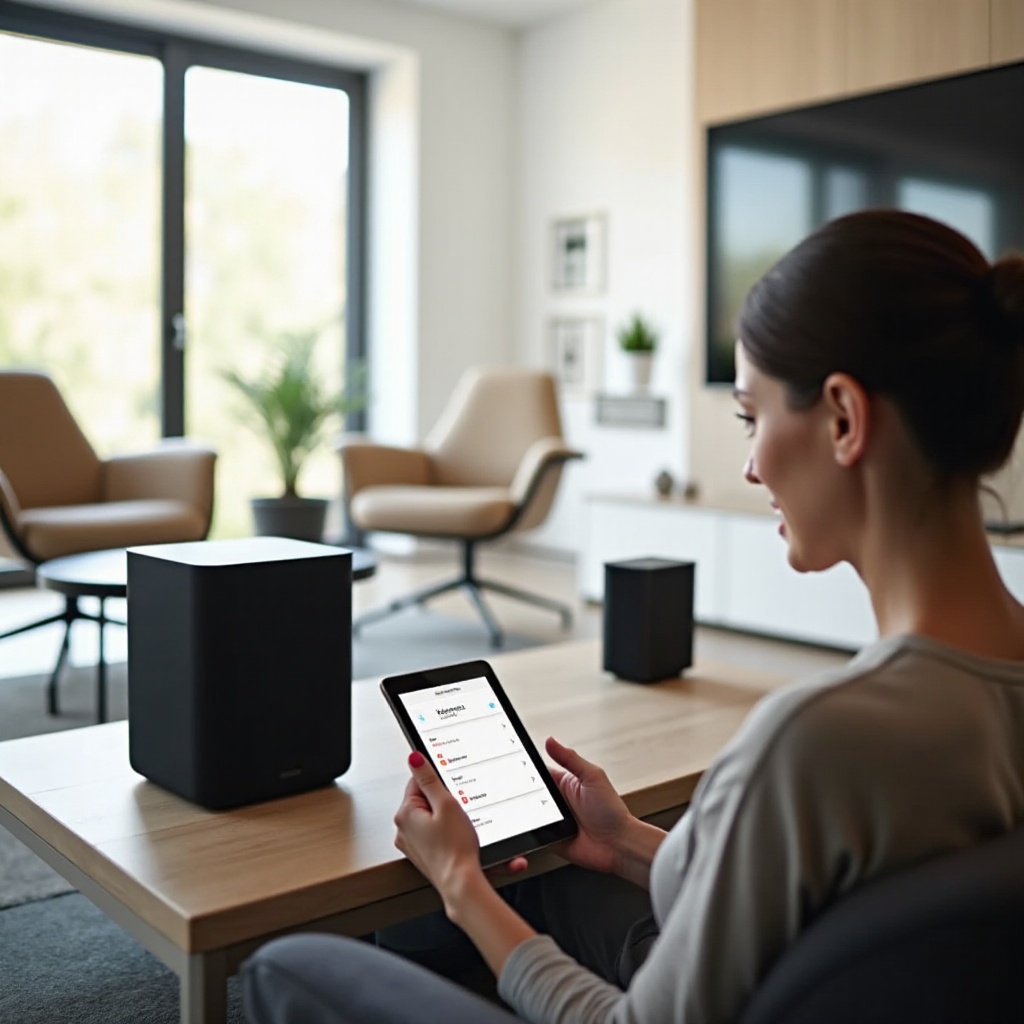
With preparations complete, let’s proceed with the setup process. Follow these instructions to integrate your Sonos system:
- Download and Install the Sonos App:
- Find the Sonos app in your device’s app store and install it.
-
Open the app and sign in or create a new Sonos account.
-
Connecting Your Sonos Speaker to Wi-Fi:
- Plug the speaker into a power source, allowing it to boot up.
-
Use the Sonos app to select ‘Set up a new system’ and follow the direction to link your speaker to the Wi-Fi.
-
Adding and Organizing Speakers in Different Rooms:
- Use the Sonos app settings to add more speakers, if necessary.
- Assign each speaker a location for easy navigation and sound management.
These steps ensure your Sonos speakers are effectively connected and ready to deliver a high-quality audio experience.
Troubleshooting Common Sonos Setup Issues
Occasionally, you may encounter challenges during setup. Identifying and resolving these issues restores system efficiency without hassle.
- Connectivity Problems:
- Confirm your Wi-Fi signal is strong and the speaker is within range.
-
Restart your router if connectivity issues persist and check for any app error notifications.
-
Audio Interruptions:
- Limit devices on your network to lessen interference.
-
Verify that both Sonos speaker and app have the latest updates.
-
Software and Firmware Updates:
- Keep your system updated to enjoy new features and enhance performance.
- Access the update option in the app’s settings to download the latest versions.
Identifying and addressing these common hurdles helps maintain a crisp and uninterrupted sound system.
Optimizing Your Sonos System for Best Performance
Achieving optimal sound requires thoughtful customization. Personalizing your Sonos system ensures you get the most out of every listen.
- Customizing Sound Settings:
- Use the Trueplay feature to adjust your speakers based on room acoustics.
-
Modify settings like bass, treble, and balance to match your preferences.
-
Creating Speaker Groups and Stereo Pairs:
-
For a richer sound, group speakers or set up stereo pairs through your Sonos app settings.
-
Integrating Voice Assistants like Alexa and Google Assistant:
- Enhance user experience by linking with voice assistants.
- Follow instructions in the app to connect your Sonos system with Alexa or Google Assistant.
These optimizations amplify your sound experience, enabling dynamic and engaging audio tailored to your environment.
Advanced Tips for Enhancing Your Sonos Experience
Extend your Sonos system’s capabilities with advanced options tailored for an integrated smart home.
- Exploring Multi-Room Audio Capabilities:
-
Enjoy different audio in multiple rooms or sync them for a cohesive listening experience.
-
Integrating Sonos with Smart Home Systems:
- Connect Sonos to systems like Apple HomeKit or Samsung SmartThings for seamless automated controls.
These additional benefits make Sonos not only a robust audio solution but a harmonious part of your lifestyle.
Conclusion
This guide covers every aspect from initial setup to advanced configurations, ensuring you derive maximum enjoyment from your Sonos speakers. By following these steps, your audio experience with Sonos will not only meet but exceed your expectations. We encourage further exploration of features and community support to continually enhance your system.
Frequently Asked Questions
Can I set up Sonos without Wi-Fi?
Sonos generally requires a Wi-Fi network. However, using Ethernet is possible for some setups, but it limits wireless functionality.
How can I reset my Sonos speaker if needed?
To reset, find the reset button on your device, hold it while connecting the power, and follow the app’s instructions.
What should I do if my Sonos system is not syncing properly?
Ensure updates are current. Restart both Sonos app and speakers and contact support if problems persist.