Introduction
Selecting the right storage for your laptop can significantly influence its overall performance. A 1TB hard drive provides ample storage for diverse needs, from storing large files to running complex applications. Understanding the options available will help you make an informed choice. This guide will walk you through everything you need to know about choosing, installing, and maintaining a 1TB hard drive for your laptop.
Understanding Hard Drive Basics
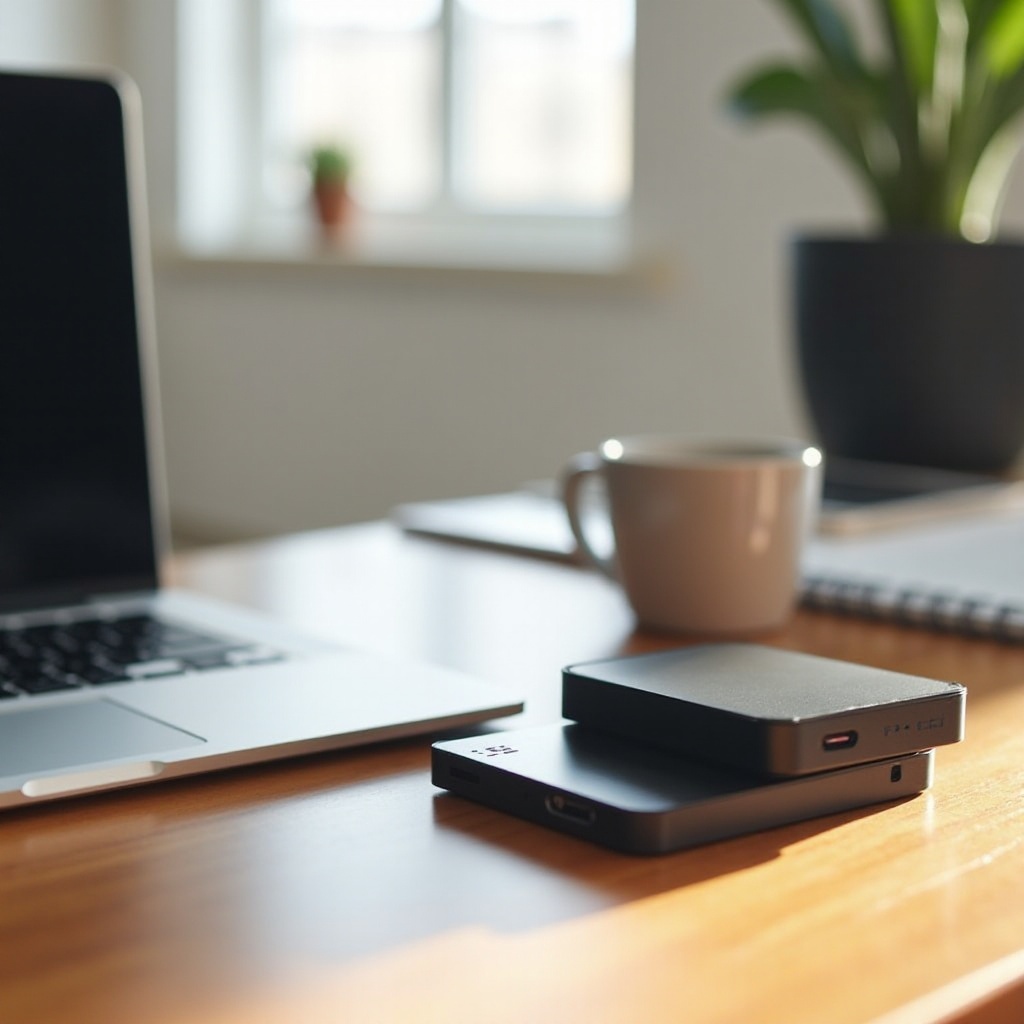
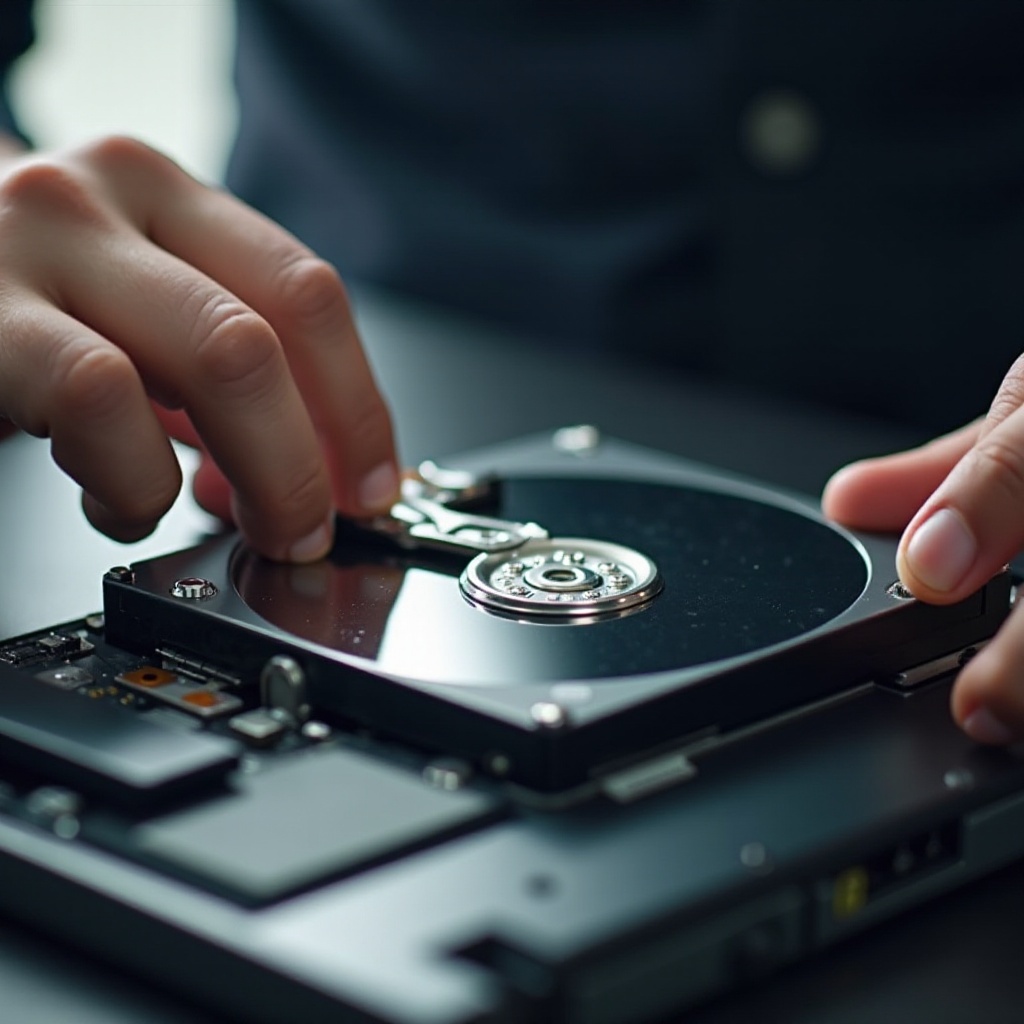
Laptops use two primary types of hard drives: Hard Disk Drives (HDDs) and Solid-State Drives (SSDs). While both serve the same fundamental purpose of data storage, they differ in technology and performance. HDDs operate using spinning disks to read/write data, offering more space at a lower cost, whereas SSDs use flash memory, providing enhanced speed and reliability at a higher price. A 1TB hard drive strikes an excellent balance between capacity and cost efficiency. This makes it an ideal choice for professionals and everyday users looking to optimize their storage without breaking the bank.
Key Factors to Consider When Buying a 1TB Hard Drive
When purchasing a 1TB hard drive, several factors should guide your decision:
-
Performance: A hard drive’s speed affects how quickly data can be accessed or written. SSDs generally outperform HDDs, offering rapid boot times and fast file transfers. If performance is a priority, consider an SSD.
-
Reliability and Durability: Laptops face inevitable wear and tear; hence, a hard drive’s durability is critical. SSDs, having no moving parts, typically offer greater resilience against physical shock, while HDDs are more prone to failure. Look for products with excellent reviews and preferably a good warranty.
-
Cost and Value for Money: Consider what offers the best value within your budget. While SSDs deliver superior performance, HDDs provide more space at a lower cost, making them suitable for those whose primary concern is capacity.
Evaluating these factors ensures that you choose a hard drive that meets your needs, balancing performance, reliability, and budget.

Top 1TB Hard Drives for Laptops in 2024
With a variety of 1TB hard drives on the market, selecting the right one for your laptop requires careful assessment. Here are some of the top picks for 2024:
-
Best Overall Choice: The Samsung 980 PRO offers unmatched performance with its NVMe technology, making it perfect for users demanding speed and efficiency in data handling.
-
Best Budget-Friendly Option: The Western Digital Blue HDD balances cost with solid performance and durability, ideal for users seeking economical yet reliable storage.
-
Best for Gaming Laptops: The Seagate FireCuda combines endurance and enhanced speed, specifically tailored for gaming environments, ensuring fast load times and a seamless gaming experience.
These diverse options cater to different user needs, providing a tailored solution whether you prioritize budget, performance, or specific use cases like gaming.
Installation Guide for Laptop Hard Drives
After selecting the right hard drive, proper installation is crucial for a successful upgrade. Here’s a simplified guide to help you install a new 1TB hard drive:
-
Backup Data: Always start by backing up important data to prevent loss during the hardware swap.
-
Tools Required: Gather essential tools, including a screwdriver, your new hard drive, and any necessary adapters or brackets.
-
Shut Down and Disconnect: Power off your laptop and remove all connections, including the power source.
-
Access the Hard Drive Bay: Refer to your laptop’s manual for steps on opening the body to access the hard drive bay.
-
Remove the Existing Drive: Unscrew and carefully extract the current hard drive.
-
Install the New Drive: Place your new 1TB hard drive in the bay, securing it with screws and reconnecting anything disconnected previously.
-
Reboot and Setup: Power on your laptop, enter the BIOS if needed, and format the drive for use.
Following these steps ensures a smooth installation, allowing you to utilize your new hardware effectively.
Tips for Maintaining Your Laptop’s Hard Drive
To extend the life and maintain the performance of your new hard drive, regular maintenance is key:
-
Regular Backups: Schedule consistent backup processes using applications like Time Machine or Windows Backup.
-
Disk Cleanup: Utilize built-in software tools regularly to remove unnecessary files and enhance performance.
-
Monitor Health: Use drive health monitoring software to track performance and detect potential issues early.
Diligent maintenance protects your investment, keeping your system and data secure and efficient.
Conclusion
Choosing the right 1TB hard drive for your laptop hinges on understanding your storage needs, evaluating options, and implementing proper installation and maintenance procedures. With a well-chosen drive, your laptop will deliver optimal performance, accommodating extensive storage needs without hindrance.
Frequently Asked Questions
How do I know if my laptop is compatible with a 1TB hard drive?
Check your laptop’s specifications or user manual to ensure compatibility with the drive’s size and interface (SATA or NVMe).
Is a 1TB HDD or SSD better for my needs?
If speed and performance are priorities, choose an SSD. If cost and storage capacity are more important, an HDD might be preferable.
Can I install a 1TB hard drive myself, or should I hire a professional?
Installation can be a DIY task with the right tools and instructions, but hiring a professional is wise if you’re uncertain or inexperienced.