Introduction
Choosing the right computer for 8K video editing is crucial for ensuring a smooth and efficient workflow. With the increasing demand for high-quality video content, editors need powerful machines to handle large files and complex software. This guide provides insights into the best specifications and top-performing computers for 8K video editing in 2024.

Key Specifications for 8K Video Editing
Understanding the necessary specifications is key to finding the right computer. Each component plays a specific role in handling the demands of 8K video editing.
-
Understanding CPU Power: The CPU is the core of any editing workstation. For optimal performance, systems equipped with powerful multi-core processors such as the Intel Core i9 or AMD Ryzen 9 are ideal. These processors efficiently manage multiple simultaneous tasks, ensuring a lag-free editing experience.
-
The Importance of RAM: RAM is critical for handling multiple applications and large video files. A minimum of 32GB is recommended for basic 8K editing, but opting for 64GB or more can significantly enhance performance, particularly for more intensive projects.
-
Graphics Card Essentials: High-resolution video editing requires robust graphics capabilities. Graphics cards like the NVIDIA GeForce RTX 3080 or AMD Radeon RX 6800 XT are perfect for ensuring smooth playback and efficient rendering.
-
Storage Solutions for 8K Workflow: Efficient storage solutions are necessary to manage large video files. SSDs are preferred due to their speed, but a combination of a high-capacity SSD for quick access files and a larger HDD for storage can offer a balanced solution.
Now that the key specifications have been discussed, let’s explore the top computer models that meet these needs.
Top Computer Models for 8K Video Editing in 2024
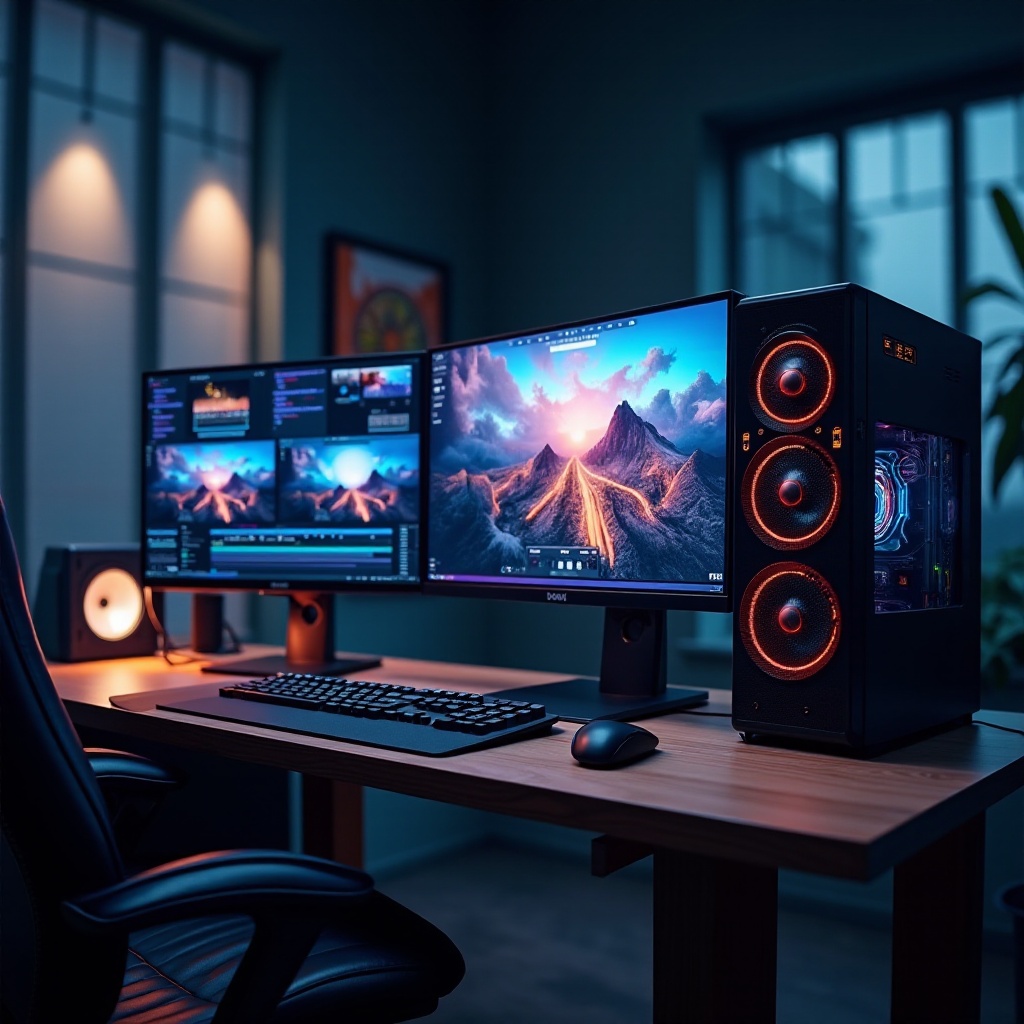
With advancements in technology, several computers have emerged as top choices for 8K video editing in 2024. These models are equipped with the latest hardware and are optimized for high-performance demands.
-
Apple Mac Pro 2024: Known for its premium quality and reliability, the Mac Pro is favored by many professionals. Configurations with a 28-core Intel Xeon processor and up to 1.5TB RAM allow the Mac Pro to tackle even the most demanding editing tasks with ease.
-
Dell Precision Series 2024: Ideal for professionals seeking performance and scalability, the Dell Precision series offers powerful configurations featuring Intel Xeon processors and NVIDIA Quadro RTX graphics cards, providing excellent computing power.
-
HP Z4 G5 Workstation: This workstation offers a perfect balance of power and value. Equipped with robust Intel processors and advanced graphics options, the HP Z4 G5 manages demanding workloads effectively, making it a great option for budget-conscious editors.
-
Recommended Custom-Built PC Configurations: For individuals preferring tailored experiences, custom builds offer flexibility. Configurations with the AMD Ryzen 5950X CPU, NVIDIA GeForce RTX 3090 GPU, and 1TB NVMe SSDs can provide top-tier performance while allowing for future upgrades.
With the right hardware in place, ensuring compatibility with software is the next step in optimizing performance.
Software Compatibility and Performance
Hardware and software must work in harmony for optimal video editing performance. Selecting the right software and configuring your setup correctly is crucial.
-
Best Editing Software for 8K: Top industry software like Adobe Premiere Pro, DaVinci Resolve, and Final Cut Pro X are designed to handle the complexities of 8K editing. They offer advanced features specifically tailored for high-resolution video projects.
-
Ensuring a Smooth Workflow: To maintain a seamless workflow, ensure that software settings align with hardware capabilities. Regular updates to drivers and software can enhance compatibility and prevent system slowdowns or crashes during intensive editing sessions.
Balancing cost against performance is always a consideration in building an editing rig.
Cost vs. Performance: Making the Right Choice
Investing in a high-performance computer involves weighing cost against potential benefits. Here are steps to help make a balanced decision:
- Set a Budget: Clearly define your budget constraints to prevent overspending.
- Prioritize Components: Focus on essential features first, like CPU power and RAM capacity, which directly impact editing efficiency.
- Plan for Upgrades: Consider the potential for future upgrades, providing flexibility to extend the system’s lifespan and incorporate new technology as it becomes available.
Future-proofing involves carefully planning your setup for longevity.
Future-Proofing Your Editing Setup
To ensure longevity and relevance, future-proof your setup by selecting components designed to evolve with advancing technology:
- Leverage Latest Gen Components: Opt for the newest generation of CPUs and GPUs for longevity.
- High-Capacity RAM: Choose memory modules that provide room for future expansion.
- Modular Storage Solutions: Flexible storage that allows easy upgrades will serve you well as file sizes continue to grow.
By making informed decisions now, you’ll establish a resilient and efficient editorial workstation that stands the test of time.
Conclusion
In conclusion, selecting the best computer for 8K video editing involves more than just choosing high-end specs. It requires thoughtful consideration of hardware and software integration, cost efficiency, and future expansion. By investing wisely, you can build a setup that not only meets current needs but also adapts to future advancements in video editing technology.
Frequently Asked Questions
What kind of CPU is best for 8K video editing?
Powerful multi-core CPUs like the Intel Core i9 or AMD Ryzen 9 are ideal due to their ability to handle complex tasks efficiently.
How much RAM is recommended for 8K video editing?
A minimum of 32GB RAM is recommended, but 64GB or more can significantly enhance performance, especially for intensive projects.
Which video editing software is best for 8K projects?
Adobe Premiere Pro, DaVinci Resolve, and Final Cut Pro X are excellent choices for 8K projects due to their advanced features and high compatibility.