Introduction
Finding the right headphones for your MacBook is essential for enhancing your audio experience, whether it’s for work, entertainment, or casual listening. This comprehensive guide will help you choose the best headphones for your MacBook in 2024 by exploring compatibility considerations, highlighting top models, and detailing key features to look for.
Understanding Compatibility: Choosing the Right Connection
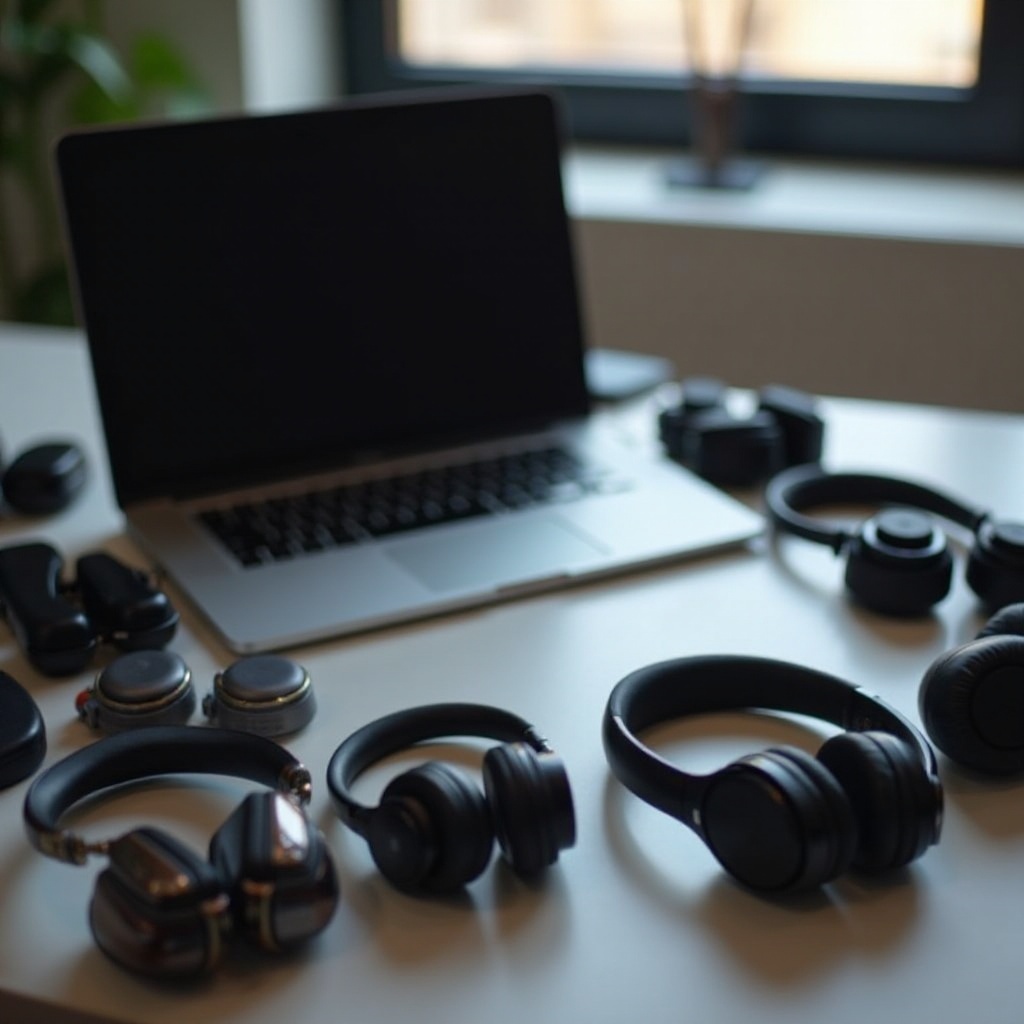
To optimize your headphone experience on a MacBook, it’s important to understand the available connection options. Bluetooth headphones offer convenience and a wire-free experience, making them perfect for those who are frequently mobile. On the other hand, wired headphones are praised for their stability and enhanced sound quality. When choosing wired options, USB-C headphones are an excellent fit for newer MacBook models since they eliminate the need for adapters. This balance between wired and wireless options will depend on personal preference and use-case scenarios, whether for travel or a home office setup.
Bluetooth vs. Wired: Pros and Cons
Bluetooth Headphones:
– Pros: Wireless freedom, easy to pair, great for mobility.
– Cons: Dependent on battery life, potential connectivity interruptions.
Wired Headphones:
– Pros: Stable connection, no reliance on batteries, often superior sound quality.
– Cons: Limited mobility, can be cumbersome due to wires.
USB-C Headphones: Embracing Newer MacBook Models
The evolution of MacBooks with limited ports has made USB-C headphones a crucial option for users seeking direct connectivity and optimal performance without cumbersome adapters. While they may not yet be as ubiquitous as standard 3.5mm models, they’re gaining traction among tech enthusiasts.
Top Headphone Recommendations for MacBook Users in 2024
Selecting the right headphones involves weighing various factors like sound quality, comfort, and price. Here are this year’s top picks for MacBook users.
Apple AirPods Max: Top Choice for Apple Ecosystem
AirPods Max delivers an unmatched listening experience, seamlessly integrating with Apple devices, making them an ideal companion for your MacBook. Features like active noise cancellation and spatial audio deliver immersive sound. While premium-priced, they’re perfect for anyone deeply embedded in the Apple ecosystem.
Sony WH-1000XM5: Best for Noise Cancellation
Sony’s WH-1000XM5 headphones are renowned for their superior noise-canceling capabilities, ideal for noisy environments. These headphones deliver outstanding sound quality and comfort, making them a go-to choice for audiophiles and professionals. Their long battery life is an additional benefit for those who travel frequently.
Bose QuietComfort 45: Superior Comfort and Sound
Bose QuietComfort 45 headphones offer the best balance of comfort and sound quality. Known for their ergonomic design and light build, they’re perfect for extended listening sessions. Reliable noise-canceling features and clear audio make them a great option for everyday use, especially for users who prioritize comfort and quality.
Key Features to Consider When Buying Headphones for MacBook
When shopping for the best headphones to pair with your MacBook, certain features are critical to ensure a satisfying audio experience.
Noise Cancellation and Sound Quality
Noise cancellation is a game-changer in loud environments. Look for headphones with active noise-canceling technology for the best experience. Sound quality is equally vital. Seek meticulously engineered models for clarity, vibrant bass, and balanced acoustics.
Battery Life and Connectivity
Battery life can dictate the usability of wireless headphones. Opt for models with long-lasting batteries and quick recharge capabilities. Connectivity is key—prioritize models that offer seamless pairing with your MacBook. Embrace headphones with multipoint connectivity to effortlessly toggle between devices.
Comfort and Ergonomic Design
Comfort is paramount, especially for prolonged use. Choose ergonomically designed headphones with adjustable headbands and cushioned ear cups. Lightweight builds minimize fatigue, and breathable materials prevent overheating.
Optimizing Your MacBook’s Audio Settings for Headphones
To fully enjoy the sound superiority of your chosen headphones, customizing your MacBook’s audio settings can enhance your experience further.
Adjusting System Preferences for Best Audio
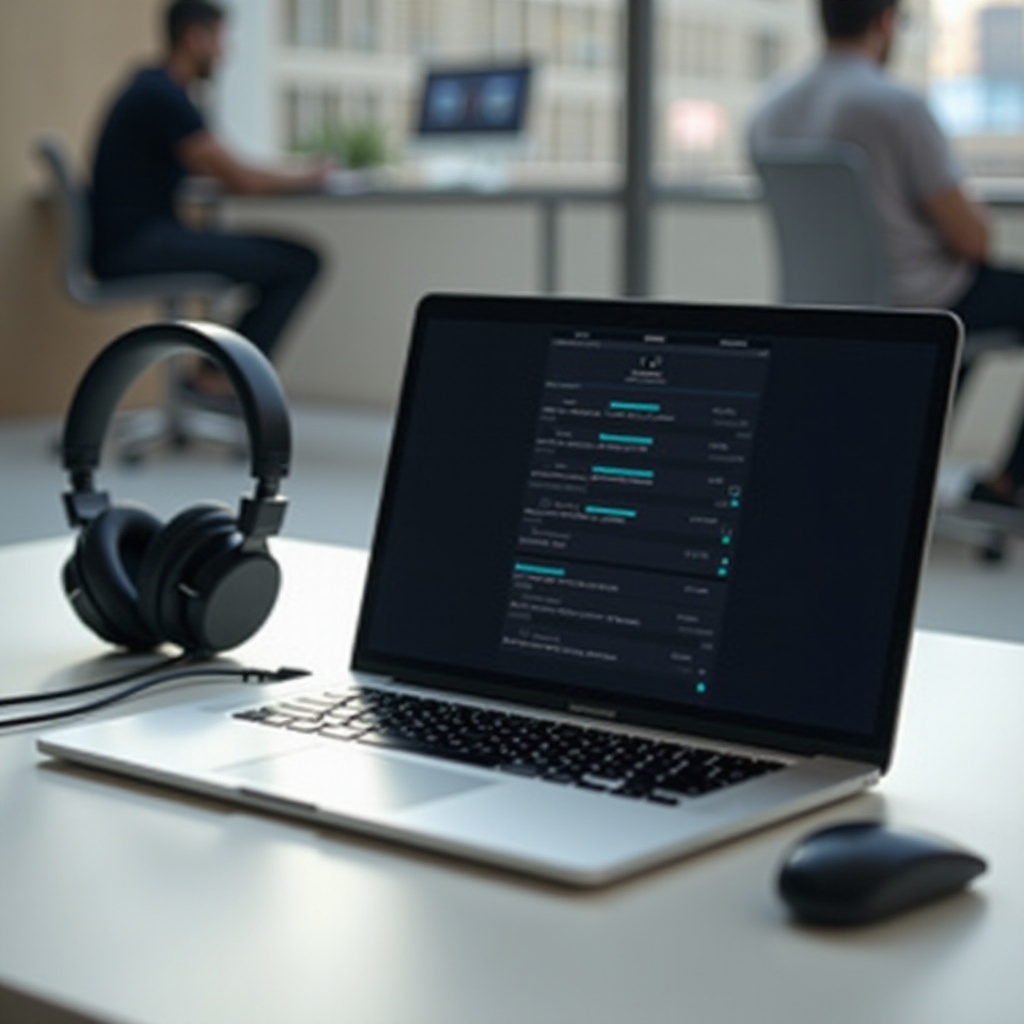
- Access System Preferences and navigate to Sound.
- Choose your headphones from the Output tab.
- Customize the settings, balancing sound and volume to your preference.
Recommended Third-Party Apps for Enhanced Sound
Consider using third-party equalizer apps like Boom 3D or eqMac for greater control over sound output. These apps can help you fine-tune audio settings to match your headphone model, adjusting treble and bass levels for a personalized listening experience.
Budget vs. Premium: Getting the Most Value
Finding the perfect headphones involves balancing your budget with desired features.
Budget-Friendly Choices for MacBook Users
There are several affordable headphones that still offer excellent sound quality and comfort. Brands like Anker and TaoTronics provide great performance without the high price tag. Be sure to compare reviews to get the best value.
Is it Worth Investing in Premium Headphones?
Premium headphones often come with superior build quality, exceptional sound, and advanced features like top-tier noise cancellation and smart assistants. If audio quality and the latest features are priorities for you, paying a premium can be worthwhile for long-term satisfaction.
Conclusion
Making an informed choice about the best headphones for your MacBook involves understanding personal needs and preferences, whether for professional use, casual listening, or an immersive experience. By considering compatibility, features, and budget, you can make an informed decision and enjoy top-quality sound from your MacBook.
Frequently Asked Questions
Can I use any Bluetooth headphones with my MacBook?
Yes, most Bluetooth headphones can connect to your MacBook via Bluetooth settings in System Preferences. Ensure your headphones are in pairing mode for a smooth connection.
How do I connect USB-C headphones to my MacBook?
Connect your USB-C headphones directly to a MacBook with a USB-C port. For other adapters, use a USB-C to USB-A converter if necessary.
Why do my headphones sometimes disconnect from my MacBook?
This can happen due to Bluetooth interference, outdated software, or connectivity settings. Make sure your Bluetooth is updated and check for any software updates to improve connectivity.